Some people upgrade their phones regularly, even though there’s nothing really wrong with them.

These devices are obviously vulnerable to wear and tear, especially given that we have our entire lives on them and are attached to them 24/7, but there’s no need to change phones as often as you probably do. Your phone could probably survive way longer than the two years you currently get out of it if you stopped treating it like it’s indestructible while simultaneously doing everything possible to destroy it through daily habits you don’t even think about.
1. Charging it to 100% every single night
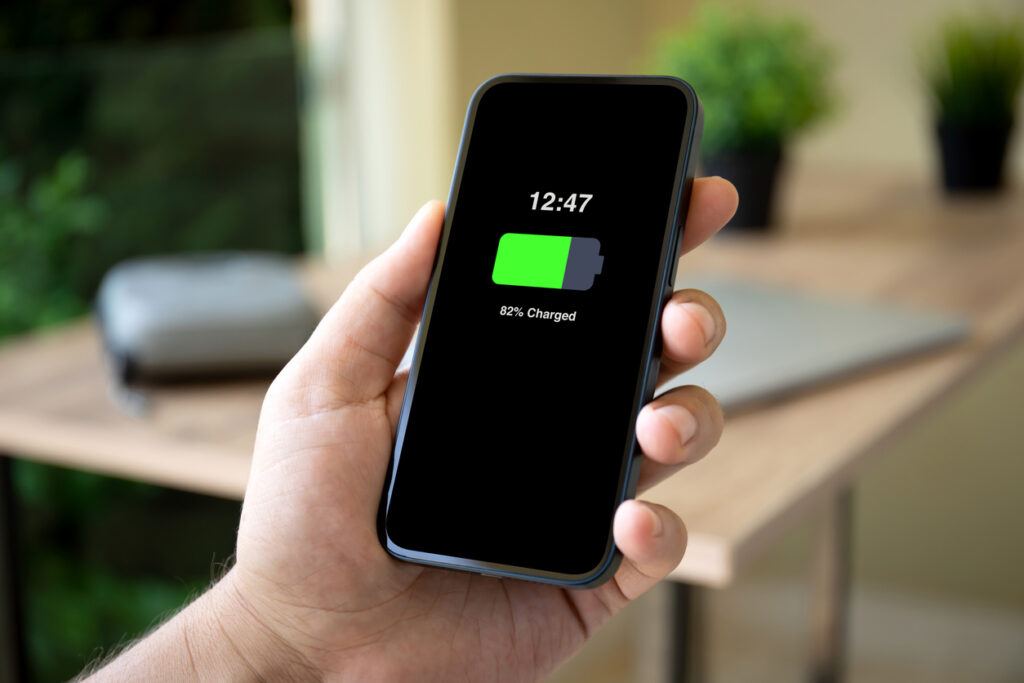
That nightly routine of plugging in your phone and leaving it charging until morning is actually slowly killing your battery because lithium-ion batteries don’t like being at 100% charge for extended periods. The constant trickle charging that happens when it hits full capacity creates heat and stress that degrades the battery over time.
Try charging it to around 80% instead of maxing it out, and definitely don’t leave it plugged in overnight if you can help it. Your battery will thank you by lasting way longer before it starts dying at 30% and making you panic about finding a charger every few hours.
2. Letting it completely die before charging

Waiting until your phone shuts itself off before plugging it in is like waiting until your car runs out of petrol on the M1 instead of filling up when you hit a quarter tank. Modern phone batteries actually prefer to be topped off regularly rather than going through these dramatic full discharge cycles.
Keeping your battery between 20% and 80% most of the time gives it a much happier life than constantly swinging between completely dead and fully charged. Those old rules about letting batteries drain completely don’t apply to the batteries in current phones, so stop torturing your device.
3. Using your phone while it’s charging
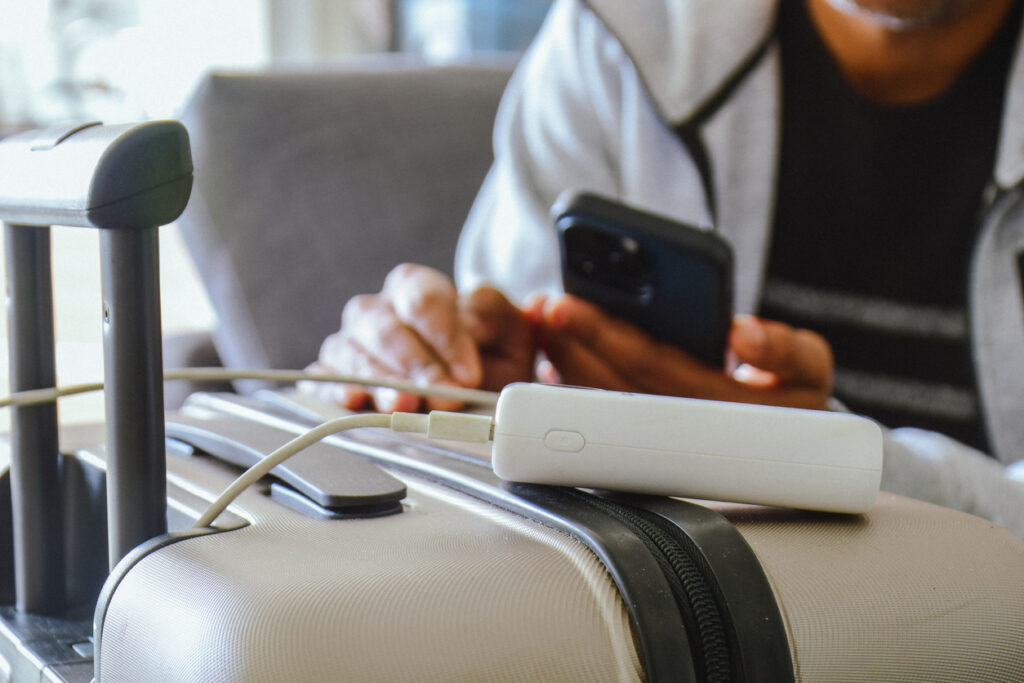
Scrolling through TikTok while your phone is plugged in creates extra heat because your phone is working hard to charge the battery and run apps at the same time. Heat is basically the enemy of all the delicate components inside your phone, especially the battery and processor.
Give your phone a break while it charges, or at least avoid doing intensive stuff, like gaming or streaming videos. Think of charging time as rest time for your device, not an opportunity to multitask your way to a shorter phone lifespan.
4. Keeping it in extreme temperatures

Leaving your phone in a hot car, on a sunny windowsill, or anywhere that gets really warm is like putting it in a low-temperature oven that slowly cooks all the sensitive electronics inside. Cold temperatures aren’t great either, but heat does way more damage to battery life and overall performance.
Your phone works best at normal human comfort temperatures, so if it’s too hot or cold for you to be comfortable, it’s probably not ideal for your phone either. Those temperature warnings that pop up aren’t just suggestions; they’re your phone begging you to move it somewhere more reasonable.
5. Installing every random app that looks interesting

Your phone isn’t an unlimited storage unit, and filling it with apps you used once and forgot about creates clutter that slows everything down. These forgotten apps often run background processes that drain your battery and use up memory, even when you’re not actively using them.
Be selective about what you install, and actually delete stuff you don’t use regularly. Your phone will run faster and smoother when it’s not trying to manage fifty apps you downloaded impulsively and never opened again.
6. Ignoring software updates like they’re spam

Those update notifications that you keep dismissing aren’t just trying to annoy you; they often include important fixes that keep your phone running efficiently and securely. Outdated software can cause weird glitches, battery drain, and security vulnerabilities that make your phone work harder than it needs to.
Updates might be inconvenient when they pop up, but they’re basically maintenance for your phone that prevents bigger problems down the road. Set them to install automatically overnight if you can’t be bothered to remember, but don’t just ignore them forever.
7. Never clearing your cache or restarting

Your phone accumulates digital junk over time, just like your house accumulates regular junk, and never cleaning it out makes everything run slower and less efficiently. Apps store temporary files and data that build up over weeks and months, clogging up your phone’s memory.
Restart your phone at least once a week and clear app caches occasionally to give everything a fresh start. It’s a clean-up for your device, washing away all the accumulated crud that makes it sluggish and confused.
8. Using cheap charging cables that barely work

That dollar store charging cable might seem like a great deal until it fries your charging port or delivers inconsistent power that confuses your battery management system. Cheap cables often don’t meet proper specifications and can cause more damage than you’d spend on a decent replacement.
Invest in quality charging accessories, especially cables and wireless chargers because the money you save on knock offs usually gets spent later on repairs or early phone replacement. Your charging port and battery will last longer with consistent, clean power delivery.
9. Cramming your storage to maximum capacity

Running your phone with less than 10% storage space available is like trying to think clearly when your brain is completely overwhelmed and exhausted. Your phone needs some free space to manage files, install updates, and run apps smoothly without constantly struggling for room.
Keep at least 15-20% of your storage free by regularly deleting old photos, videos, and apps you don’t use. Your phone will thank you with faster performance and fewer random crashes caused by storage management panic.
10. Exposing it to water and humidity like it’s waterproof
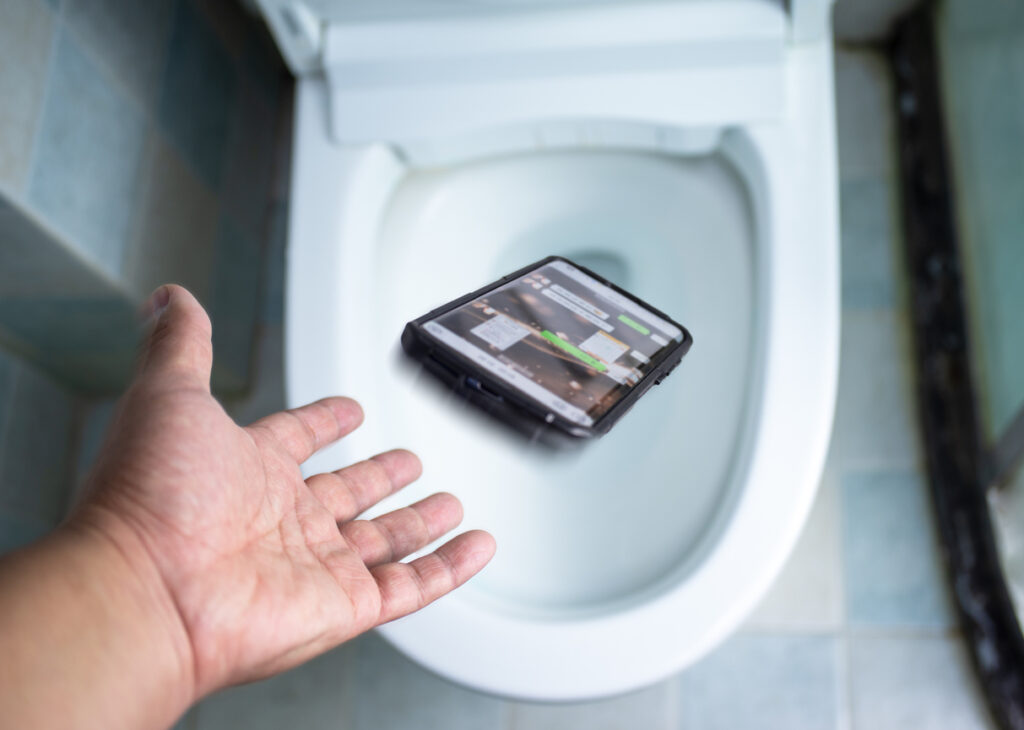
Even if your phone is technically water-resistant, that doesn’t mean it wants to live in a steamy bathroom, get rained on regularly, or take swimming pool selfies. Water resistance degrades over time, and moisture can still find ways into ports and speakers where it causes slow damage.
Treat water resistance as emergency protection, not an invitation to get your phone wet whenever you want. Those seals and gaskets that keep water out don’t last forever, especially if you’re constantly testing their limits with unnecessary exposure.
11. Dropping it constantly without proper protection
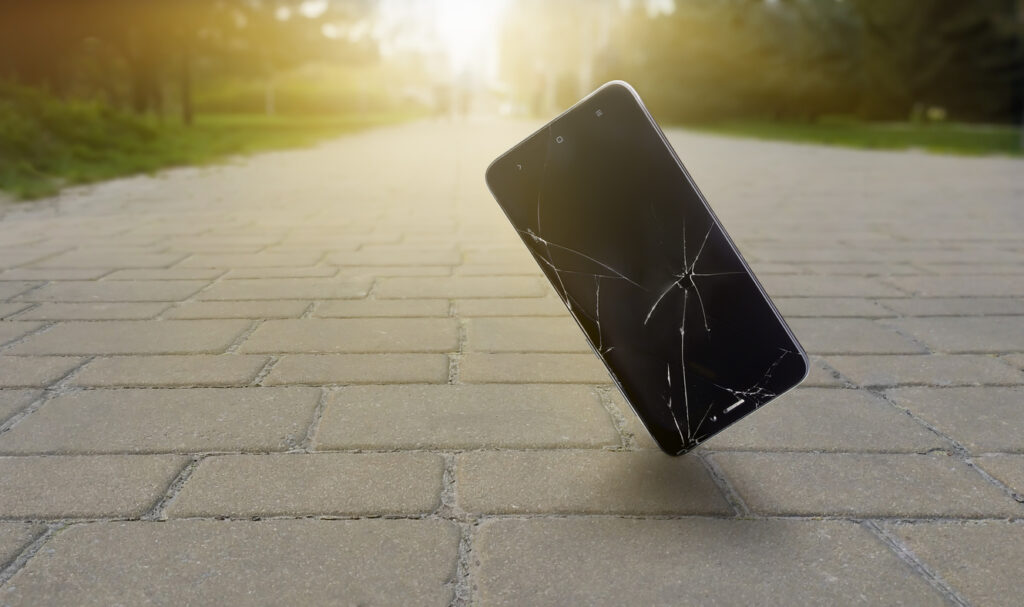
Every time your phone hits the ground, even if the screen doesn’t crack, internal components get rattled around and connections get stressed in ways that cause problems later. That “harmless” drop onto carpet still creates shock waves through delicate electronics.
Get a decent case and screen protector, and actually use them consistently instead of taking them off because they make your phone look less sleek. Prevention is way cheaper and easier than repair, and your phone will definitely last longer if it’s not getting concussed regularly.
12. Running intensive apps when your phone is already struggling

When your phone starts getting hot, laggy, or the battery starts draining fast, that’s not the time to fire up a graphics-intensive game or start editing videos. Your phone is basically telling you it needs a break, but instead you’re asking it to work even harder.
Pay attention to signs that your phone is stressed and give it time to cool down and catch up instead of pushing it harder. Close unnecessary apps, avoid heavy tasks when it’s already struggling, and let it recover before demanding more performance from components that are clearly overwhelmed.