You’ve probably had those days where the internet is crawling along, and you’re ready to chuck the router out the window, even though you’re the only one in the house.

Most of us blame the provider or a dodgy cable, but the real culprit is usually the crowd of gadgets scattered around your rooms that are quietly hogging all the airtime. We’re not just talking about your laptop or your phone; it’s the “smart” stuff you bought three years ago and forgot about, or the bits of tech that stay busy in the background while you’re trying to stream a film.
Your Wi-Fi is like a motorway, and every one of these hidden devices is taking up a lane, even if they aren’t actually doing much. From old consoles to that smart fridge you never use, these hidden drains are the reason your connection feels like it’s stuck in 2005.
1. Your smart speaker is always listening, and always using data.

Devices like Amazon Echo and Google Nest don’t just wake up when you call them. They’re constantly on standby, checking in with servers, downloading firmware updates, and processing audio in the background. Each one only uses a small trickle of data on its own, but if you’ve got several dotted around the house, they add up steadily throughout the day. Multiply that across a week and it’s more than most people realise.
2. Security cameras are quietly eating your upload speed.
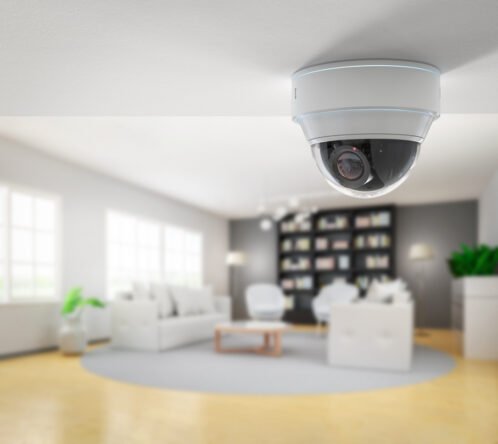
A single 1080p security camera can use between 1 and 2 megabits per second, and if you’ve got three or four running simultaneously, that’s a significant chunk of your bandwidth gone before you’ve even opened a browser. The problem gets worse if they’re set to record continuously rather than only when motion is detected. Switching to motion-triggered recording can cut data usage dramatically without making your home any less secure.
3. Video doorbells run 24/7 whether you notice or not.
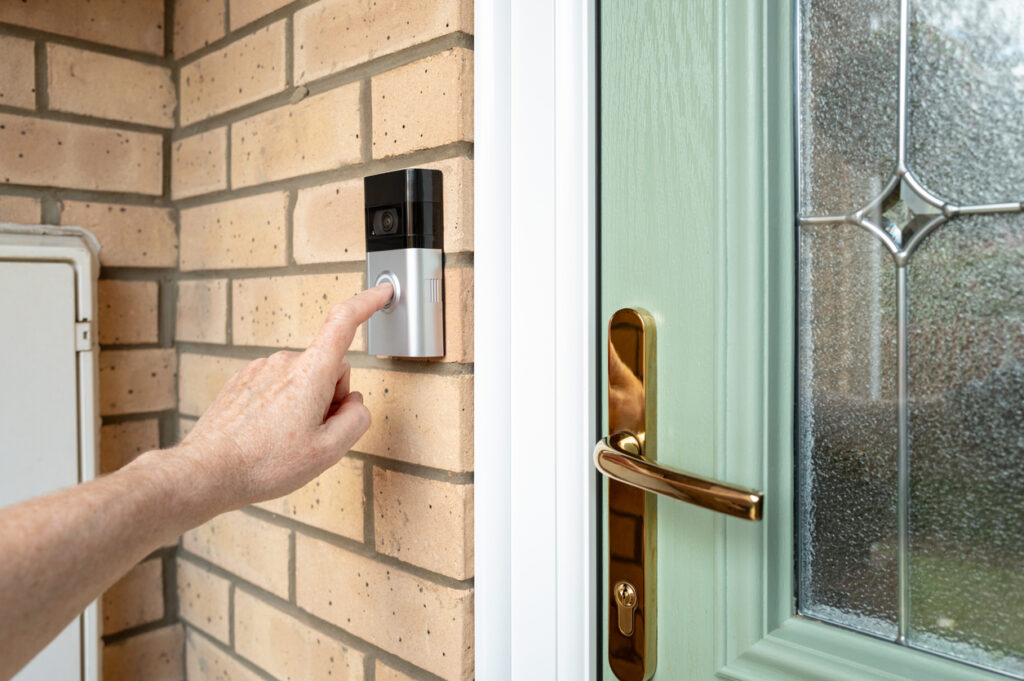
Most people install a video doorbell, link it to their phone, and forget it’s there. What they don’t realise is that it’s constantly uploading footage and checking for movement, using a steady stream of bandwidth all day long. If your upload speed is already limited, this one device can genuinely affect your video calls and slow down other connected devices in the house.
4. Old phones and tablets that nobody uses are still connected.

That drawer full of old devices isn’t as harmless as it looks. Old phones and tablets that are still switched on will connect to your Wi-Fi, sync data, check for app updates, and ping servers on a regular basis. They’re not doing anything useful, but they’re still consuming bandwidth and taking up a connection slot on your router. Going through your router’s device list and removing anything you don’t recognise or no longer use is worth doing every few months.
5. Smart TVs are downloading updates and tracking your habits.
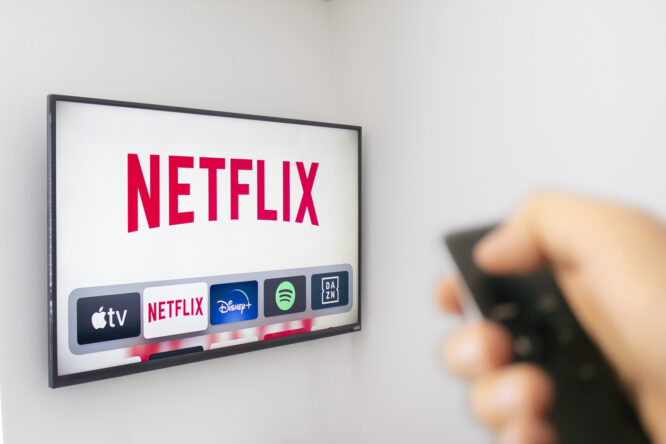
Even when nobody’s watching, a smart TV will regularly check for software updates, load advertising data, and in some cases send viewing information back to the manufacturer. These background processes happen quietly and there’s no notification to let you know. Disabling automatic content recognition in your TV’s privacy settings can reduce how much data it’s sending and receiving when you’re not actively using it.
6. Gaming consoles download huge updates overnight.

Modern consoles are set up to download game patches and system updates automatically, often scheduling them for when the console is in rest mode. A single update can run to several gigabytes, and if you’ve got a few consoles in the house or a shared connection, this can cause real congestion. Checking the update settings and scheduling downloads for quieter hours means you’re not competing with your own devices during the day.
7. Neighbours or strangers may be using your connection without you knowing.

If your Wi-Fi password hasn’t been changed in years, there’s a reasonable chance someone nearby has access to your network. Unauthorised users slow your connection down and create a security risk, and you’d have no idea unless you checked. Logging into your router’s admin panel gives you a full list of connected devices, so you can spot anything that shouldn’t be there and change your password to lock them out.
8. Smart appliances are more data-hungry than people expect.
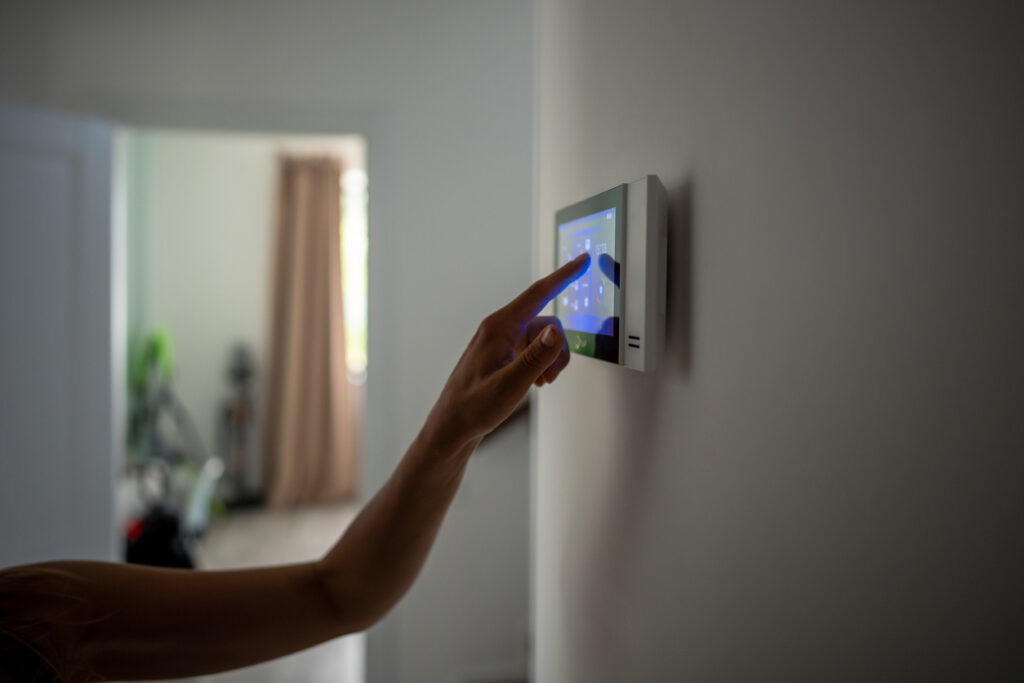
Fridges that let you see inside via your phone, washing machines with app controls, and connected coffee makers all sit on your Wi-Fi network and communicate regularly with manufacturer servers. Individually they don’t use much, but homes with lots of smart appliances can easily have 20 or 30 of these devices running simultaneously. It’s worth checking which appliances actually need a permanent internet connection and disconnecting the ones you never use the app features on.
9. Background app syncing on phones and laptops adds up fast.

Every phone, laptop, and tablet connected to your Wi-Fi is regularly syncing emails, backing up to the cloud, updating apps, and refreshing social media feeds, even when you’re not actively using the device. Cloud backup services like iCloud and Google Drive can push large amounts of data in the background, especially after you’ve taken a lot of photos or videos. Scheduling backups for overnight rather than letting them run whenever they want keeps your daytime connection cleaner and faster.
10. Your router itself might be the hidden problem.
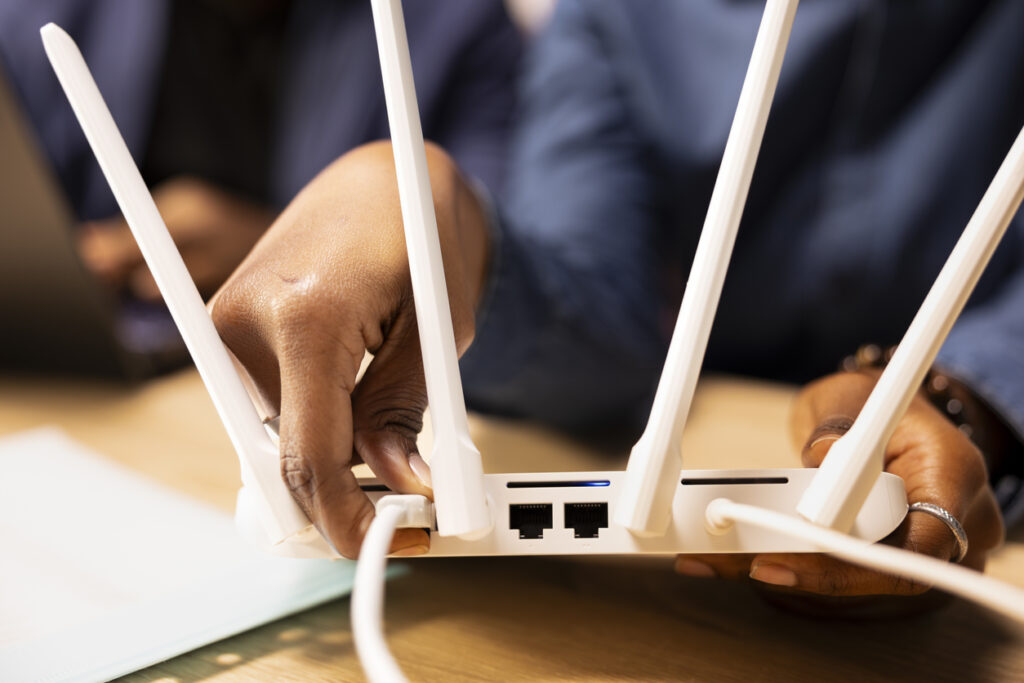
Older routers struggle to manage lots of devices efficiently, and if yours hasn’t been restarted in months it can get bogged down with too many cached connections and background processes. Rebooting it every couple of weeks makes a noticeable difference and costs nothing. If you’ve got a growing number of devices and a router that’s several years old, upgrading to one that supports Wi-Fi 6 will handle simultaneous connections much more efficiently and reduce the bottlenecks that build up quietly over time.